
A form the party can recognise
Begin with a weapon, armour, worn item, implement, consumable, tool or wondrous object. Appearance connects materials and a magical theme; refine the description afterward.
Give the next reward its own magic
A jeweled brooch can protect a promise. A cloak can awaken with its bearer. Shape an item’s powers, costs and hidden nature, then decide how its magic belongs at your table.
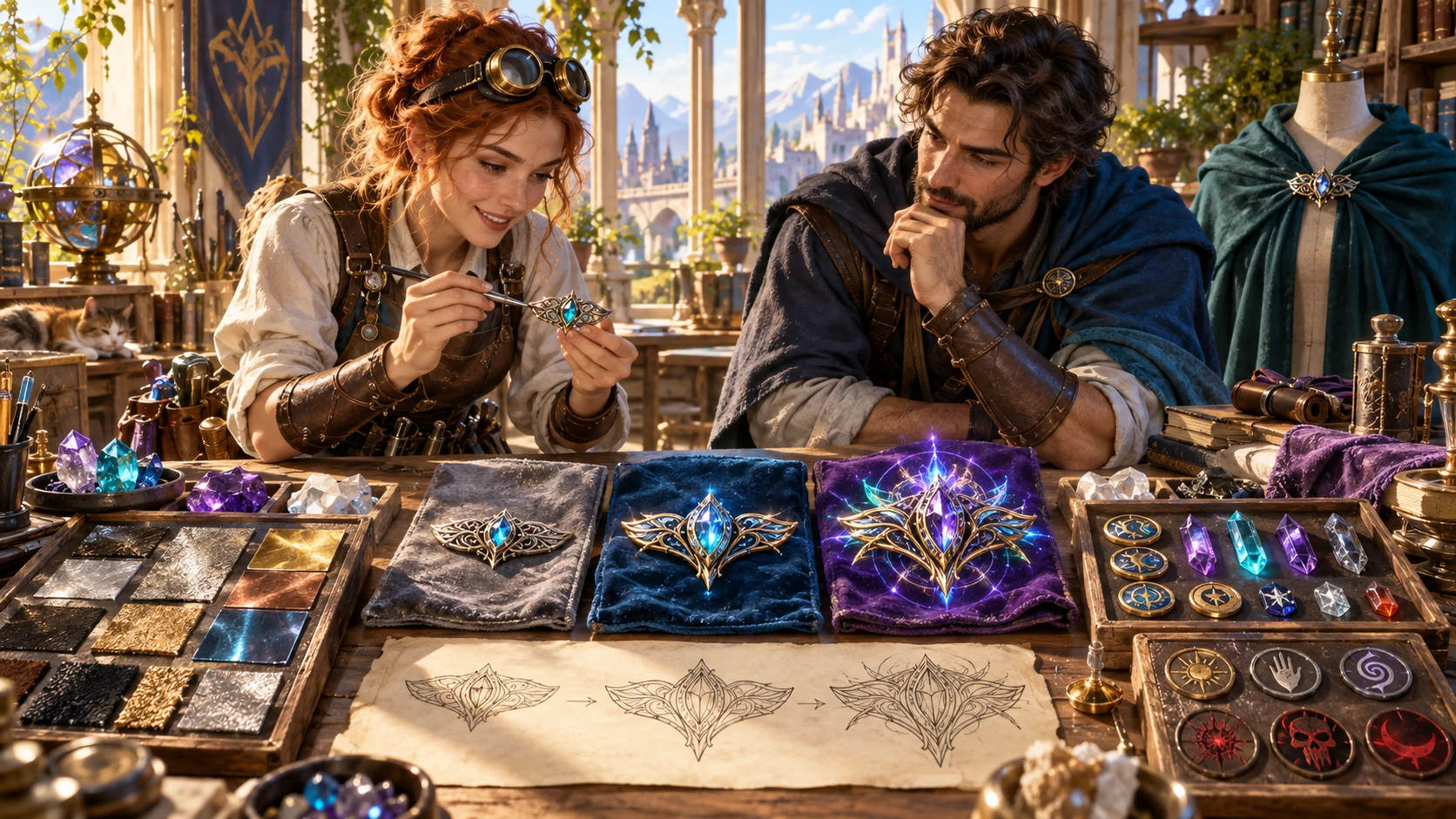
More than a name and a bonus
Build magical function around one object, with context to introduce it and limits to review it.
Begin with a weapon, armour, worn item, implement, consumable, tool or wondrous object. Appearance connects materials and a magical theme; refine the description afterward.
Each power carries activation, range, targets, duration and a limitation. Decide exact bonuses, dice and interactions for your chosen ruleset before introducing it.
Choose resource use, attunement and risk. Charges, recharge guidance, drawbacks and possible curses help prepare a decision about when the bearer should invoke the item.
History, rumours, clues and awakening stages can keep a reward relevant. You choose which discoveries and milestones become true in your campaign.
Refine what the magic does
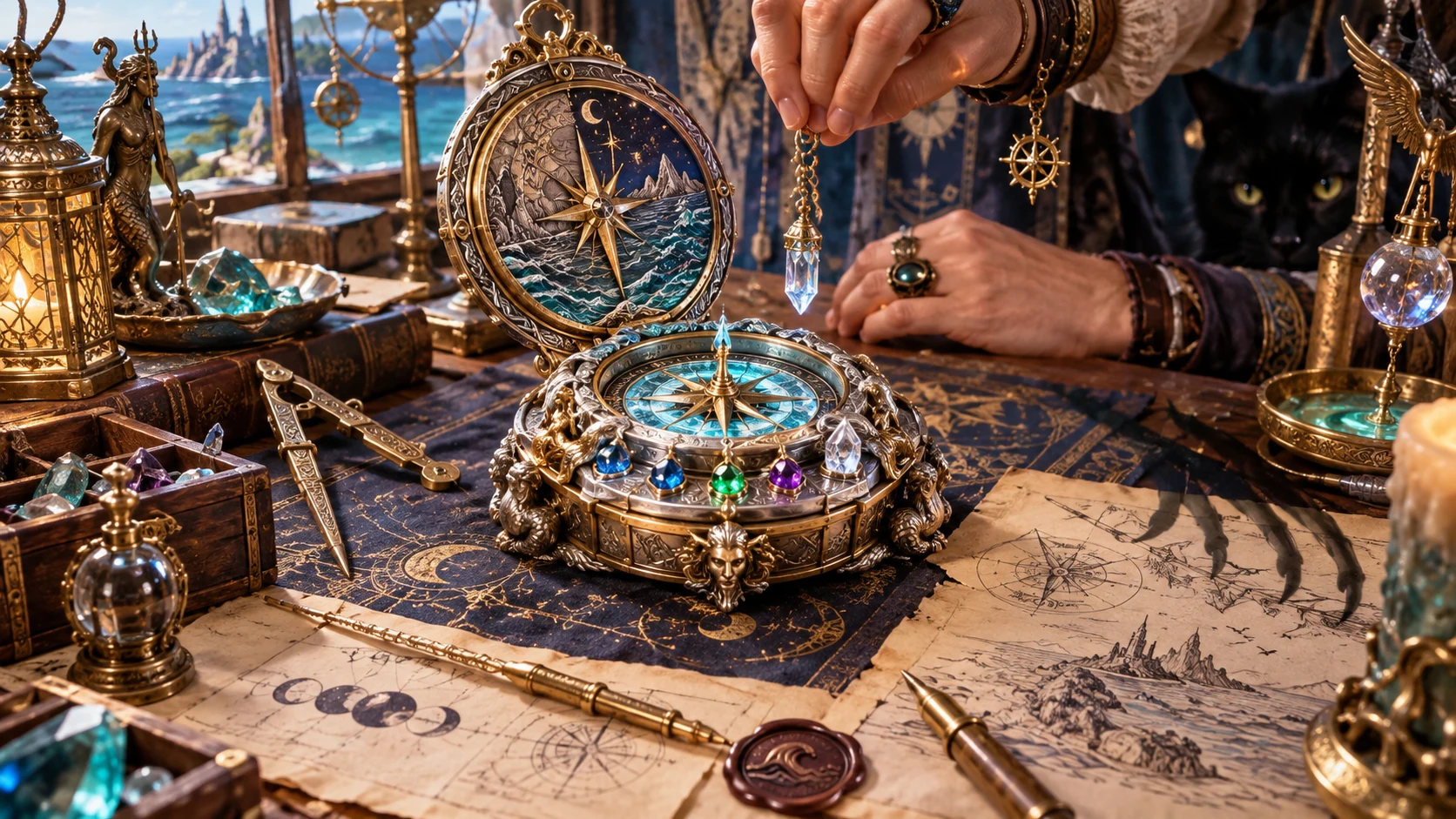
The illustration shows a jeweled compass under construction, surrounded by crystals, maps and metalwork. Prepare a similar question: does this object guide a traveller, open a path or reveal something they could otherwise miss?
Choose category, theme, exploration emphasis, activation and resources to describe its supernatural function. The result supplies authored text and use guidance; it does not analyse this compass, generate these images or set exact ruleset numbers.
From category to a useful record
Keep the complete design together, then choose which version belongs at the table.
Start in Quick or Deep. Set category and rarity; inspect retained Deep choices because hiding those controls does not reset them.
Choose theme, bearer role, emphasis, activation, resources, attunement and risk. Add sentience, curse, relic depth, scaling, origin and material detail where useful.
Read powers and history, then edit or lock what fits. Reroll deliberately and inspect the complete result for changes outside the detail you were revising.
Save to your account collection or download the structured record. Review the player card after edits; complete DM copy and print include private material.
What the current tool provides
Refine one supernatural design while keeping rules and campaign authority with your table.
Choose category and rarity, then create appearance, supernatural powers, use conditions, history and identification clues. Exact bonuses and dice remain decisions for your chosen ruleset.
Quick keeps category, rarity and seed visible. Deep exposes theme, bearer role, emphasis, activation, resources, attunement, risk, sentience, curse, relic depth, awakening and origin. Hidden Deep choices still apply in Quick.
Edit power names, effects, activation, range, targets, duration and limitations. Add or remove a power, lock a useful one or reroll it. Stored ratings and reference notes do not automatically follow prose edits.
Compare stored power ratings with the selected rarity budget. Over-budget combinations and unusually deep relics produce warnings; these checks guide review rather than guarantee rules balance.
Prepare hidden curse truth, sentient motives, legacy history and dormant, awakened and exalted stages. Paired and set options describe companion pieces; progression remains preparation for your campaign.
Generated player cards omit the dedicated curse, private motives, private history and destruction condition. Review after edits because the card can be stale; arbitrary secrets in free text are not automatically filtered.
Save through your existing Desktop Command Centre session. Search names, filter by rarity, rename, duplicate, keep a variant copy or delete a saved item. Updates retain up to ten prior versions without a restore control.
With Combat PRO ownership and an active saved encounter, add supported ability notes to its treasure references. The complete design stays here; this does not equip an item or apply combat effects.
Choose how closely to direct the design
Quick changes visible controls rather than resetting the underlying setup.
Keep category, rarity and seed in view. Other choices retain their values, so open Deep to inspect the complete setup.
Direct theme, bearer, emphasis, use conditions, attunement and drawbacks. Material detail refines appearance; origin supplies the maker’s broad context.
The DM record holds dedicated private truth, motives and the release condition. Choose how and when the party discovers them.
Prepare relic depth, companion descriptions or dormant, awakened and exalted guidance. These are design notes, not automatic progression or linked inventory items.
A reward with room to awaken
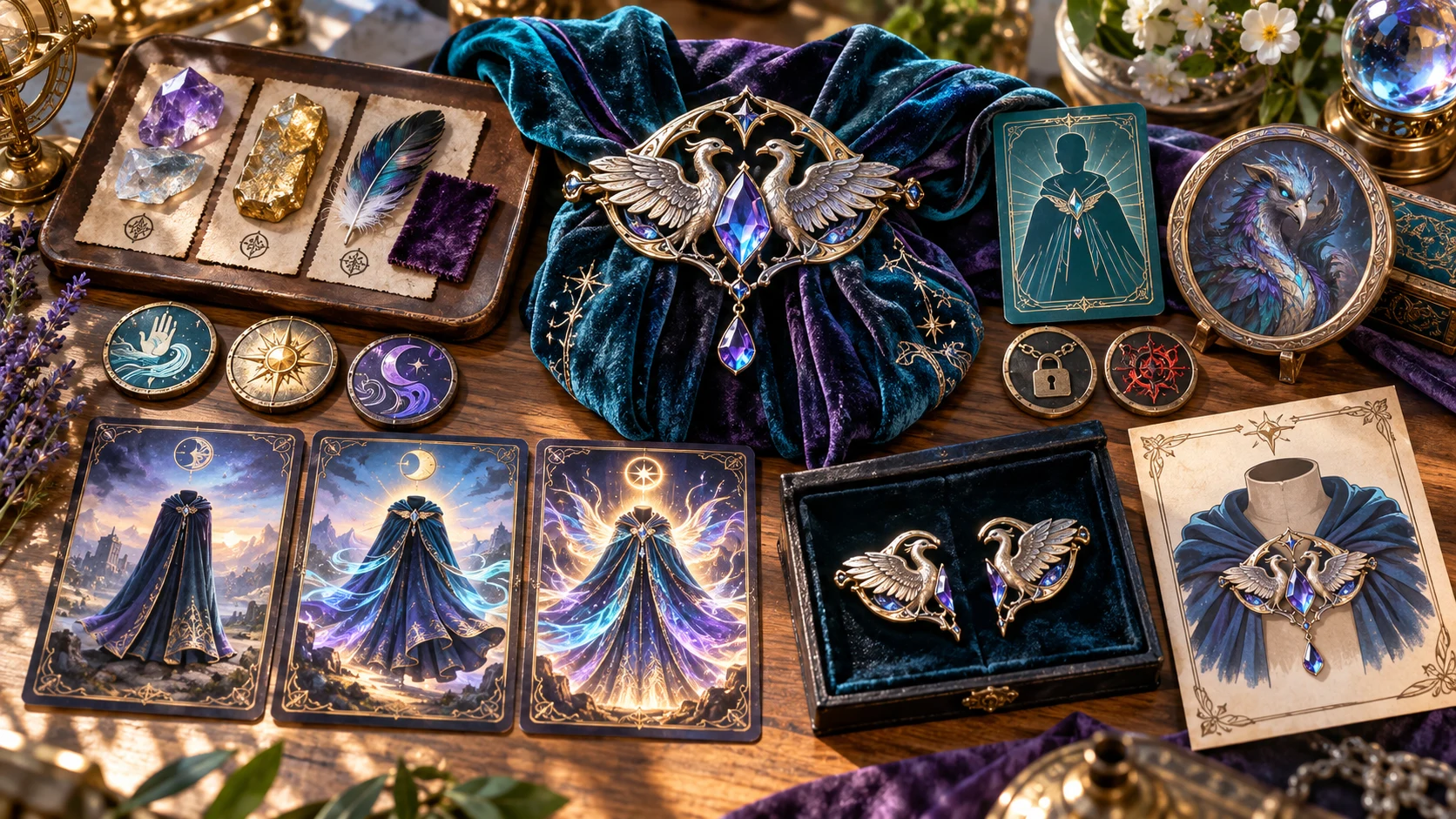
The illustration shows a winged brooch, cloak and awakening cards. The actual result is a structured item record with powers, use conditions, limits, lore, clues and selected private details.
Review the complete design before introducing it. The player card presents visible details; the DM record retains private truth. Awakening stages are guidance and do not apply progression, equipment state or combat effects.
Hold useful details, then revise
Review the whole result after changes to rarity, powers or their prose.
Keep appearance, history, curse, sentience or awakening stages. Lock a generated power during another generation. Check edited or extra powers after a reroll.
A section reroll preserves other listed sections; identity and metadata can still change. A single-power reroll retains other generated powers while unprotected story sections can change.
Change item name and appearance or power name, effect, activation, range, targets, duration and limitation. Add or remove powers. Ratings, player cards and reference notes do not automatically follow prose edits.
The seed works with full choices, reroll state, base item and locks. A visible seed alone is insufficient. Save or download the full record; there is no JSON import or one-click replay control.
Check the record before using it
Review mechanics, private details and references for your table.
Stored power ratings are compared with a rarity budget; unusual relic depth can raise a warning. Warnings do not prevent saving. These checks do not evaluate edited prose or guarantee rules balance.
Generated cards omit dedicated curse truth, private motives, private history and destruction conditions. Edits can leave the card stale. Secrets in ordinary power text are not automatically filtered; inspect what you copy.
Complete DM copy and structured JSON contain the full record. Print is DM-facing and includes private overview details. Use the reviewed player card for a separate projection.
Combat PRO ownership and an active saved encounter are required. Supported notes and selected use details enter treasure references. Review notes after edits; the same item identity and seed does not update an existing reference.
Choose access for your toolkit
Begin with a free VISINVOKE account, then review the required selection and subscription.
Select Magic Item Generator individually. Creating a free account does not by itself include paid generator access.
Choose five eligible standalone generators. Review tools and terms in your account; a selection pack does not include every VISINVOKE product.
Choose more capacity when it suits your toolkit. Review actual tools and reselection terms before changing your subscription.
Use the designer with standalone generator access. The optional reference action also requires Combat PRO ownership and an active saved encounter. Other products have separate purposes and access.

Save through the existing Desktop Command Centre session and required generator access. There is no separate product sign-in, autosave or independently saved setup preset.
Search names, filter rarity, rename or delete saved items. Duplicate and Quick variant make named copies rather than new powers. Draft, ready and awakened status are manual choices.
Same-ID saves update the record and keep up to ten prior full items. There is no prior-version restore or comparison control. Same-seed designs can update the same saved identity.
Open restores item, seed and rarity, not every Deep choice, lock or reroll state. Inspect the setup before generating again. Start Here and How Do I explain available controls.
Magic Item Generator designs supernatural function. Treasure packages, broad object construction, image creation and live inventory management remain separate tasks.
Build your tabletop toolkit
Each card opens its own public website. Review purpose and access separately; links do not promise included access or automatic synchronisation.
Discover and open your supported Windows products through one connected VISINVOKE account.

Explore environment packs for tactical locations and the places your encounters unfold.
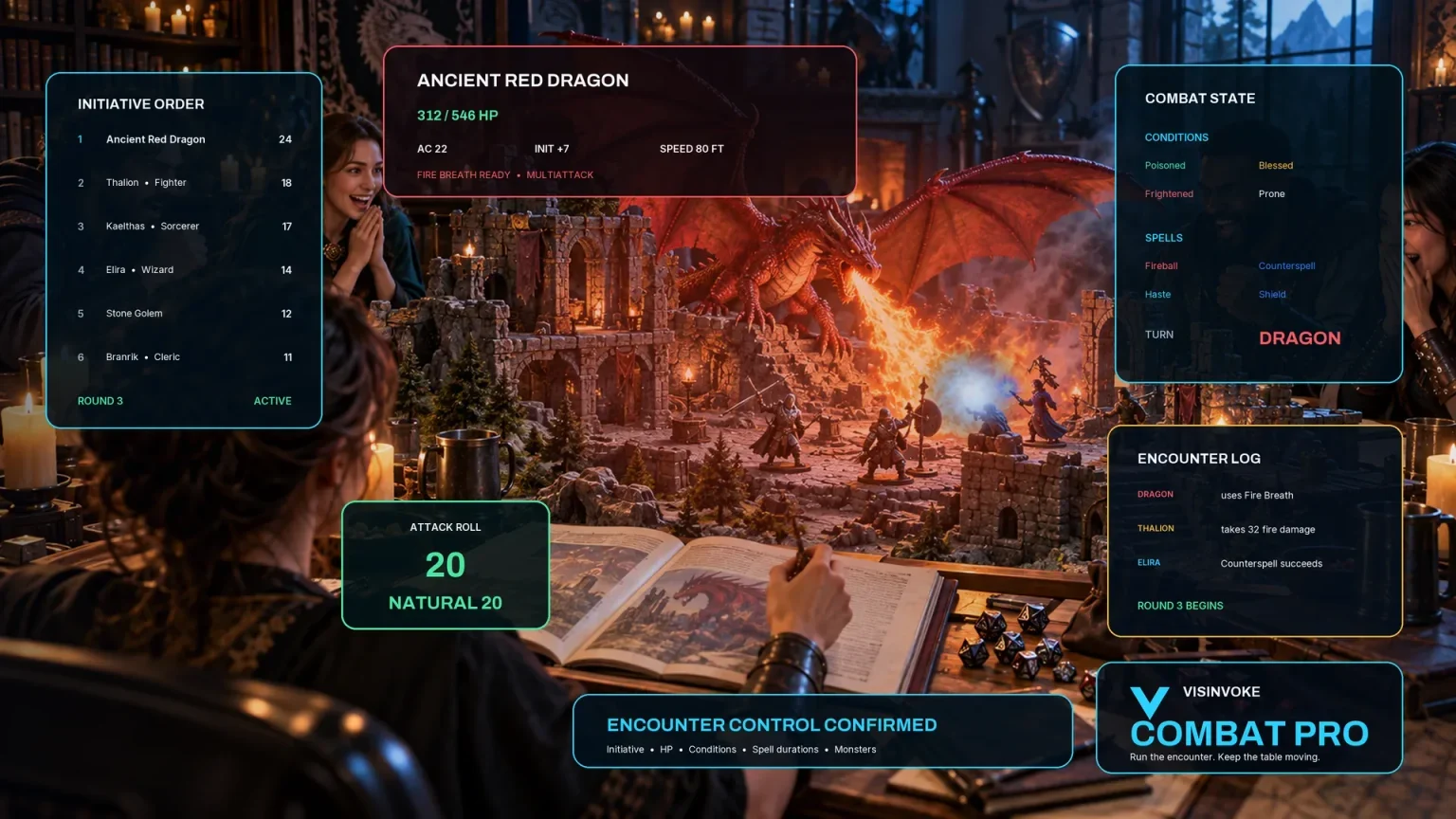
Review prepared opposition, tune creature statistics and run tabletop encounters with its own access.

Create focused character, monster, item and location images to complement your tabletop preparation.

Create guided commercial visuals for websites, brochures and wider creative projects.

Explore a separate futuristic RPG experience with its own world, characters and progression.
Product artwork illustrates magical-item preparation, not application screens or actual generated image output.
Quick answers
Understand the controls and review limits before opening the designer.
It creates one system-neutral magical-item design: identity and appearance, rarity guidance, powers with activation, targets, duration and limits, resource use, attunement, drawbacks, history, rumours and clues. Sentience, curses, paired or set descriptions and awakening stages depend on your choices. Exact ruleset numbers and campaign balance require your judgement; the artwork illustrates preparation rather than generated images.
Quick shows item category, rarity and seed; Deep exposes additional controls. Switching to Quick hides those controls but retains their choices. Locks protect selected sections or powers. A section reroll preserves other listed sections, while identity and other metadata can change. A single-power reroll keeps other generated powers, but unprotected story sections can change. Review the full item after rerolling.
A result depends on the seed, full choices, reroll state, base item, locks and current product content. Reroll state advances every generation, so the visible seed alone is insufficient. Fresh item clears item, seed, locks and reroll state but retains other design choices. Save or download the complete record for an exact result; there is no JSON import or one-click replay control.
Edit item name and appearance and visible power fields. Edits do not automatically refresh the player card, stored ratings or Combat PRO reference notes. Review the player card before sharing and reference notes before transfer. Generated cards omit dedicated hidden fields, but secrets entered into ordinary power text are not automatically classified. Complete DM copy, JSON download and print include private material; print is DM-facing.
The existing Desktop Command Centre session and required generator access connect the account collection. Saving validates required item fields; warnings do not prevent saving. Same-ID updates retain up to ten prior full items without version restore or comparison. Opening restores item, seed and rarity, not every Deep choice, lock or reroll state. Search, rarity filter, rename, duplicate, variant copy, delete and manual draft/ready/awakened status are available. There is no autosave or separate setup preset.
The action sends a bounded reference of supported combat notes and selected use details, not private curse, sentient motives or progression. It requires Combat PRO ownership and an active saved encounter in the existing account session. Repeating the same item identity and seed does not duplicate or update an existing reference. It does not create equipment, an inventory manager or automatic combat effects. The designer itself uses separate paid standalone generator access.
Continue in VISINVOKE
Create a free VISINVOKE account and choose required generator access.
Get Desktop Command Centre from your account installer page. Sign in on Windows, then open Magic Item Generator.